AI Novel Cover Maker for Fiction Authors
Use our novel cover maker to turn your title, genre, and story concept into a polished fiction cover. Create AI covers for romance, fantasy, thriller, mystery, sci-fi, and contemporary novels with readable text and a workflow that fits real self-publishing needs.
Novel Cover Maker Tool
Create a fiction-ready cover with AI, then refine the title, author name, genre, and visual style before you publish.
Book Information
Choose Genre Optional
Description Optional
Advanced Settings
Your Cover Preview
Fill in the details and click "Generate My Cover"
Creating Your Cover...
This usually takes 30-60 seconds
Why a Novel Cover Maker Works for Modern Fiction Publishing
A good novel cover maker solves a focused problem. Fiction authors do not just need an attractive image. They need a cover that signals genre fast, creates the right mood, keeps the title readable, and gives readers confidence before they ever click the book description.
That is why a fiction-first workflow matters. A generic design tool can produce a nice picture, but a novel cover maker should help you create a cover that feels like it belongs in the right market. Romance readers expect different visual cues than thriller readers. Fantasy readers respond to different atmosphere, symbolism, and typography than contemporary fiction readers. When those signals are off, even beautiful artwork can feel like the wrong book.
This page is structured around that higher-intent workflow. Instead of treating your cover like a blank canvas exercise, the tool helps you move from story concept to usable front cover faster. You can start with a title, add the author name, choose a genre, describe the mood, and generate directions that are easier to review at both full size and thumbnail size. For indie novelists, serial fiction writers, and self-publishing teams, that makes the novel cover maker useful not only for speed, but for market fit.
What users usually want from a novel cover maker
- A fast way to turn a story idea into several cover directions
- Genre-aware visuals for romance, fantasy, thriller, mystery, and sci-fi
- Readable title and author text that still works in store thumbnails
- A cleaner first draft before sharing concepts with collaborators
- A cover that can fit Kindle and broader digital publishing workflows
Who this page is for
- Self-published novelists who need a professional front cover without waiting weeks
- Fiction authors testing multiple launch directions before choosing a final design
- Writers building a new series and needing more consistent cover concepts
- Web-fiction and indie publishing creators who want stronger visual positioning
Fiction-first visual direction
A useful novel cover maker helps each cover feel aligned with the promise of the story instead of producing a generic poster image.
Built for thumbnail discovery
Because readers often discover books in tiny storefront previews, the workflow keeps title clarity, contrast, and focal point in view from the start.
Faster concept testing
You can compare moods, title treatments, and genre directions quickly before investing more time in revisions or launch assets.
Novel Cover Maker Examples by Genre
These sample covers show how the novel cover maker can adapt to different fiction categories while keeping mood, hierarchy, and reader expectations in focus.

Summer After Rain
by Lily Hart
A romance novel cover maker should emphasize emotional tone, warmth, and title styling that still feels inviting when reduced to a small thumbnail.
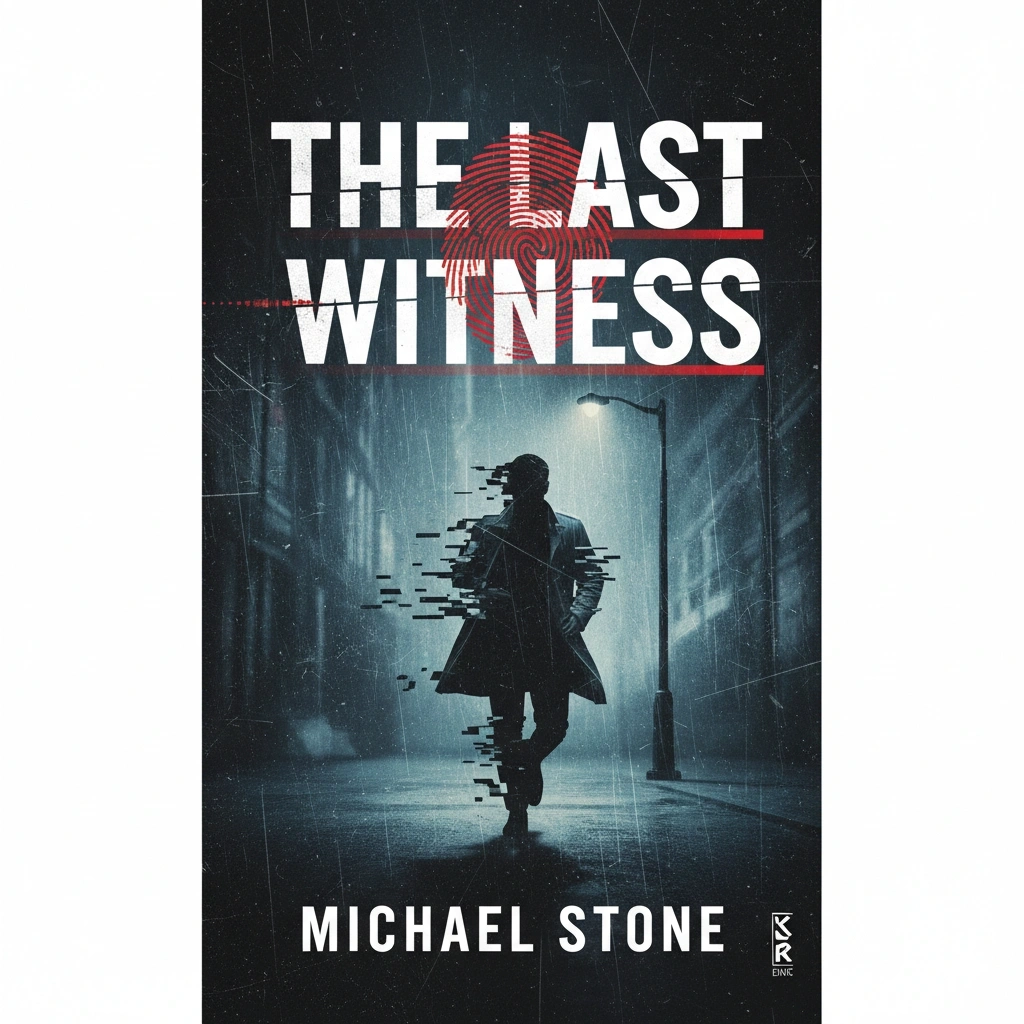
The Silent Key
by Marcus Hale
For thrillers, the strongest cover direction usually combines tension, clean contrast, and an immediate sense that the story has danger and momentum.
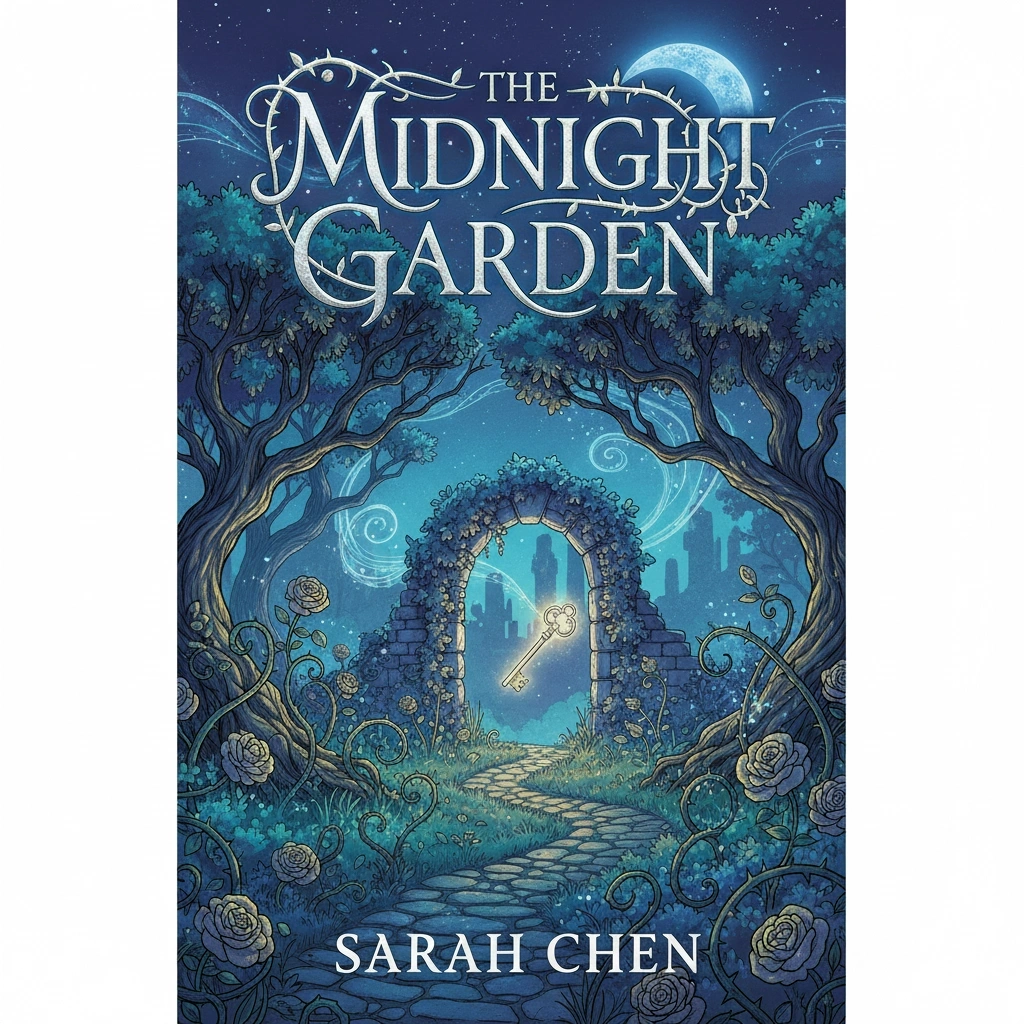
Garden of Ember Stars
by Ava Lin
A fantasy novel cover maker needs atmosphere and worldbuilding cues, but the layout still has to remain clear enough for browsing and series branding.

Signal Beyond Orion
by Daniel Cross
Sci-fi covers often work best when the concept feels expansive while the title treatment stays crisp, modern, and easy to scan at a glance.
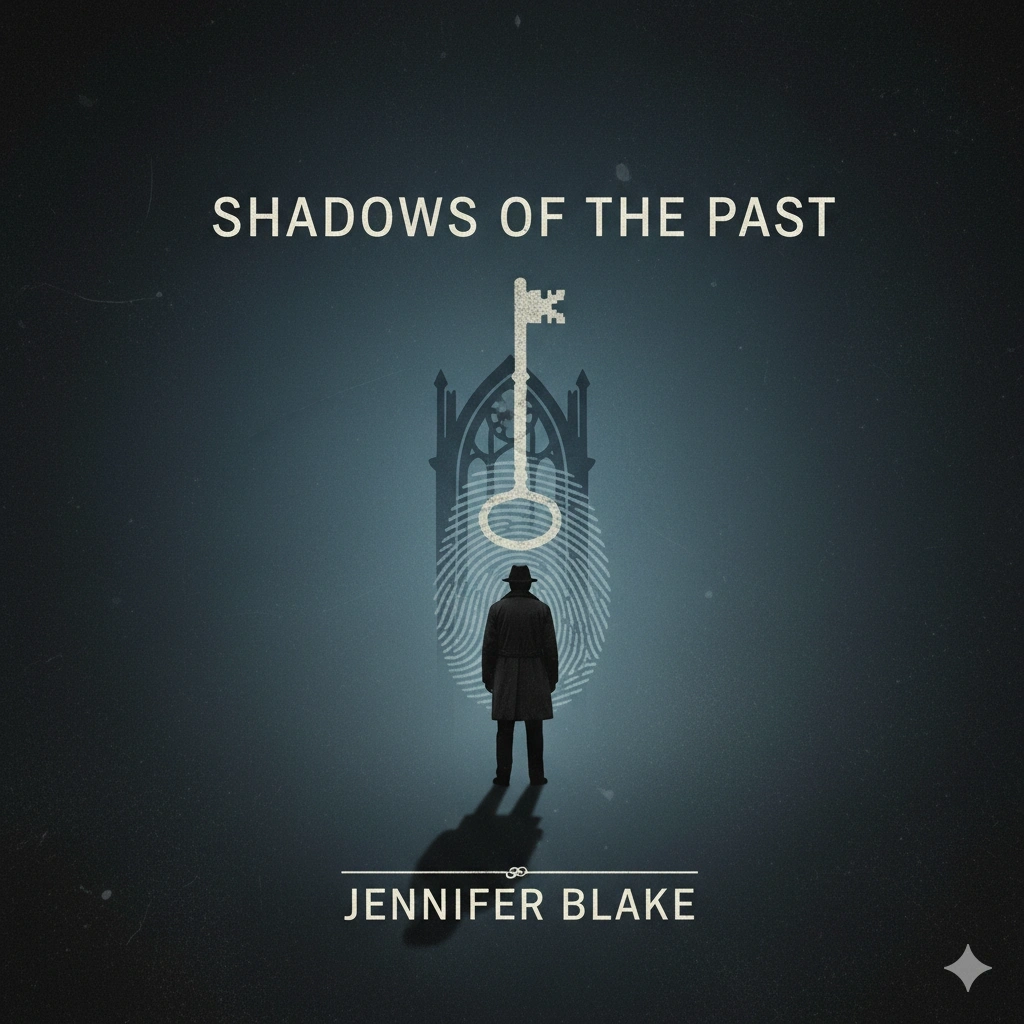
Ashes on Baker Street
by Nina Mercer
Mystery readers expect restraint, intrigue, and one strong focal cue. A good novel cover maker leaves space for unanswered questions instead of visual clutter.
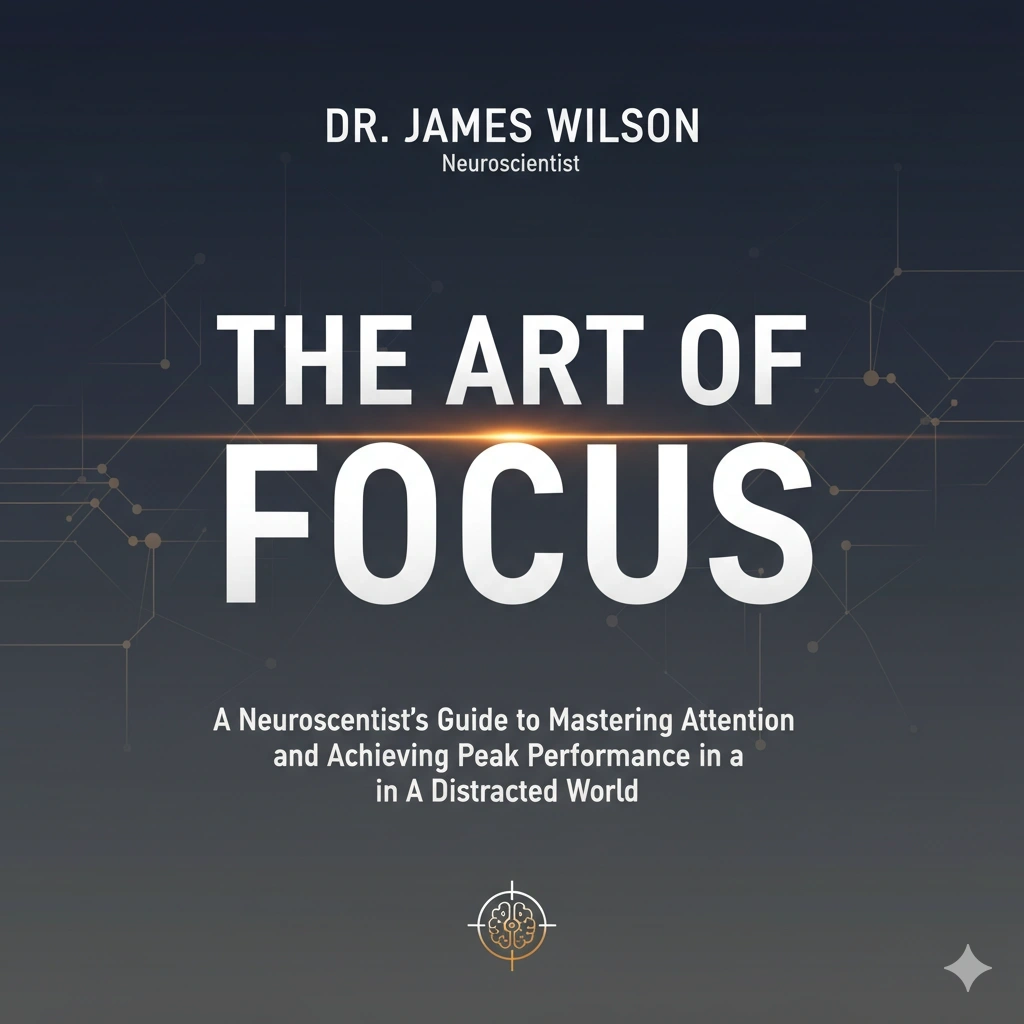
The Last Apartment
by Sophie Reed
Contemporary fiction often benefits from cleaner composition and typography-led storytelling, especially when mood and voice matter more than spectacle.
What a Novel Cover Maker Should Help You Get Right
The most useful novel cover maker does more than generate artwork. It helps you make the cover feel like the right book for the right reader in the first second of attention.
Genre cues that readers recognize
Every fiction category has visual shorthand. Romance leans toward intimacy and warmth. Thriller favors danger, contrast, and urgency. Fantasy often needs atmosphere and symbolic detail. A novel cover maker should help you stay inside those expectations without flattening every cover into the same formula.
Tone that matches the actual story
A cover can technically fit a genre and still miss the emotional truth of the book. The best cover workflow supports mood selection through prompt details, style direction, and image contrast so your novel cover feels tense, tender, eerie, hopeful, dark, or expansive in the right way.
Readable title hierarchy
Readers usually encounter the title at small size first. If the title is buried, the focal point is muddy, or the author line competes with the artwork, the cover loses clarity. A strong novel cover maker should make title hierarchy feel intentional, not like an afterthought.
Series and author branding potential
Many fiction authors are not creating one cover. They are building a recognizable body of work. That is why a novel cover maker should also support repeatable direction across multiple books, whether that means a visual motif, a typography system, or a consistent mood family.
How to Use the Novel Cover Maker in 4 Steps
Enter your story details
Add the title, author name, and a short summary of your story, mood, setting, or key visual idea so the novel cover maker has a clear starting point.
Choose genre and visual style
Select the genre and style direction that best matches your fiction category to help the cover align with reader expectations early.
Generate and review directions
Compare cover concepts, check title readability, and refine the prompt until the mood and hierarchy feel right for your novel.
Download and publish with confidence
Export your cover once it works at full size and at thumbnail size, then use it in your Kindle, KDP, or wider fiction launch workflow.
Why This Novel Cover Maker Is Useful for Fiction Authors
Create cover concepts that feel right for the genre
Readers decide quickly whether a book looks like it belongs in their category. A strong novel cover maker helps you create covers that feel credible inside romance, fantasy, thriller, mystery, sci-fi, and contemporary fiction. That matters because the right cues build trust before anyone reads the blurb. Instead of forcing every story into one visual style, the workflow helps you move closer to the expectations of the market you are trying to reach.
Generate a Novel Cover
Move from idea to strong first draft much faster
A fiction launch often involves testing more than one direction. You may want a darker thriller angle, a softer romance angle, or a more commercial fantasy treatment. This novel cover maker makes that faster by turning a title, genre, and short creative brief into a usable first draft quickly. That reduces the gap between inspiration and review, which is valuable for indie authors and small publishing teams alike.
Generate a Novel Cover
Keep mood, atmosphere, and readability working together
Some fiction covers look dramatic but become unreadable at thumbnail size. Others are clear but emotionally flat. The most useful novel cover maker balances both goals. It should help you create a focal point that is easy to notice, preserve enough negative space for title treatment, and still carry the emotional promise of the story. That balance is often what separates a market-ready cover from a merely interesting image.
Generate a Novel Cover
Support title and author text that reads in real storefronts
Most books are discovered in grids, search results, recommendation modules, and mobile previews. That means title hierarchy is not optional. This novel cover maker is positioned around covers that still communicate at a glance, so the title, subtitle, and author line do not get swallowed by busy artwork. For fiction, that often improves both click confidence and series consistency.
Generate a Novel Cover
Export with practical publishing needs in mind
A cover is only useful when it can move into a real publishing workflow. That is why this page also supports the practical side of the process. The novel cover maker is paired with size, ratio, and platform guidance that helps fiction authors prepare covers for Kindle and other digital uses without scrambling at the final upload step.
Generate a Novel CoverWhat Fiction Authors Usually Need After Using a Novel Cover Maker
People searching for a novel cover maker usually want more than a pretty concept. They want a cover they can actually use in a self-publishing workflow, especially for Kindle and other digital storefronts.
A reliable digital starting point
Amazon KDP remains the most practical reference for many self-published novelists, so it helps to keep the common eBook baseline in view.
- A common KDP-ready target is 1600 x 2560 pixels
- Many digital novel covers follow a 1.6 to 1 height-to-width ratio
- JPEG and TIFF are widely accepted for eBook upload workflows
- RGB remains the standard color profile for digital display
Why these details affect performance
Specs are not just upload rules. They also shape how credible and polished the novel cover looks in real storefront environments.
- Clean proportions reduce awkward scaling and cropping
- Higher resolution keeps type and focal details crisp
- Clear composition improves recognition in crowded category grids
- Consistent title hierarchy strengthens series branding
Practical checks before you publish
- Preview the novel cover as a thumbnail before approving it. If the title disappears, simplify the layout or strengthen contrast.
- Use your genre in the prompt so the novel cover maker starts closer to the expectations of your audience.
- Keep one dominant focal point instead of stacking too many competing story elements.
- If the book belongs to a series, test whether the typography and mood can be repeated across future covers.
- Generate more than one direction when you are deciding between commercial clarity and a more atmospheric fiction style.
Simple rule of thumb
A high-performing novel cover maker should help you create a cover that looks right for the genre, reads clearly at thumbnail size, and moves smoothly into a real publishing workflow.
Technical Details for a Novel Cover Maker
Useful output details
- Digital-first novel cover sizing around 1600 x 2560 pixels
- Minimum KDP upload size of 625 x 1000 pixels
- JPG or TIFF for common eBook publishing workflows
- RGB color profile for digital storefronts
- High-resolution export for sharper previews and promo assets
Publishing and reuse scenarios
- Amazon Kindle Direct Publishing
- Apple Books and other digital bookstores
- Author websites, preorder pages, and launch campaigns
- Social promo graphics built from the same novel cover concept
- Future adaptation for paperback or hardcover packaging
Novel Cover Maker FAQ
Create Your Next Fiction Cover with the Novel Cover Maker
Start with a title, genre, and short story direction. Generate a stronger novel cover, compare concepts, and move toward publishing with more confidence.